
Media uploads
Your own videos and images on your gym screens
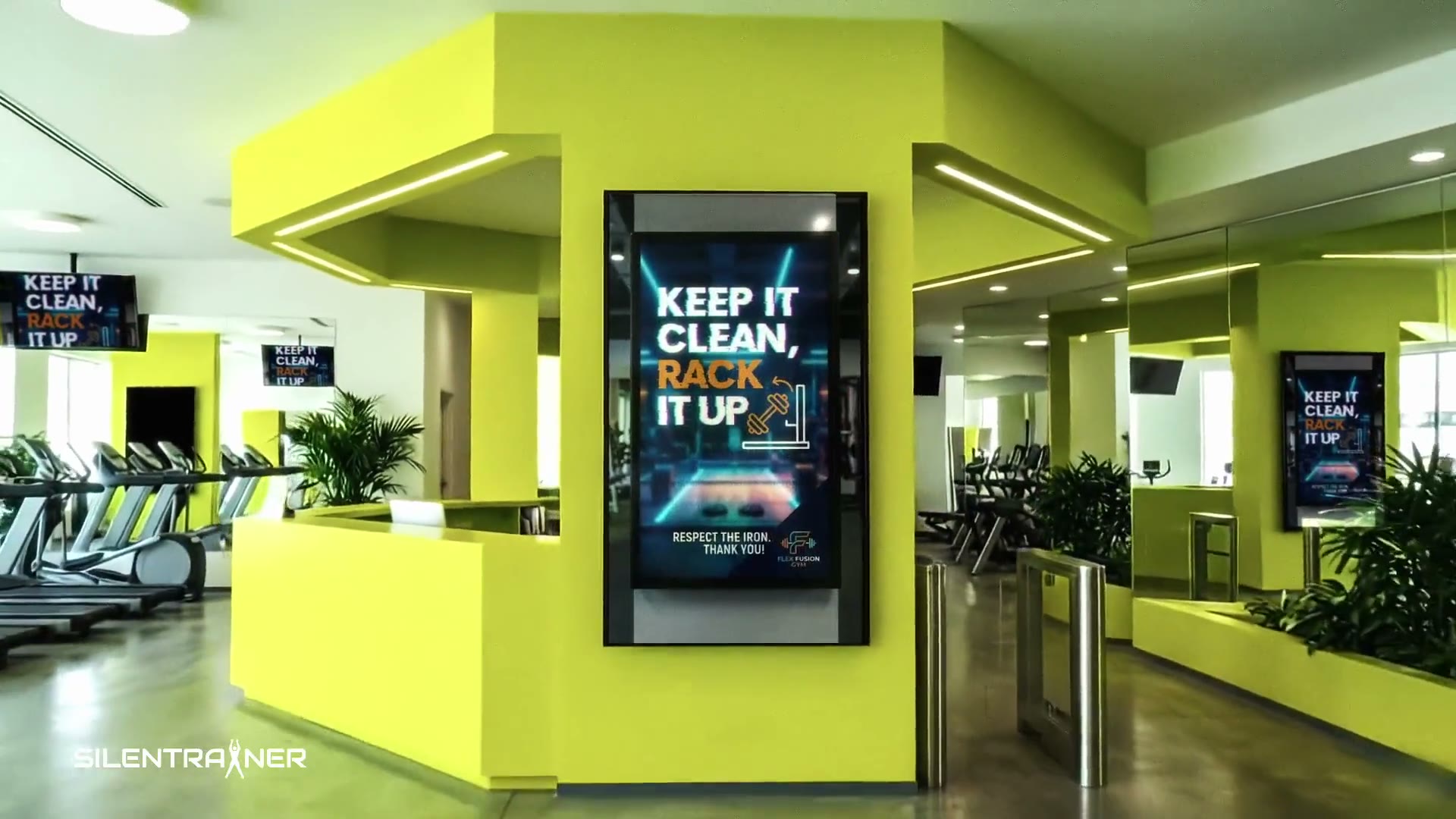
Upload the content your team creates, from opening hours and team introductions to offers and exercise demonstrations. Add it to a playlist and it plays on the screens you choose.
What gyms put on screen
Your uploads sit in the Media Manager, ready for any playlist.
Practical information
Opening hours, directions around your facility and changes to your timetable.
Your team
Introduce new trainers and staff with photos or short videos.
Offers & events
Announce promotions, raffles, events and partner offers.
Supported files
- Videos: MP4 and MOV, up to 300 MB per file
- Images: JPG and PNG
- Videos up to 4K can be uploaded and are scaled to 1080p in playlists
Need artwork? A design tool such as Canva can help you create announcements and offers.
Questions about media uploads
Where do I upload my files?
In your dashboard, open Media and then Manage. The Media Manager lets you upload new files and remove files you no longer need.
Which file types are supported?
MP4 and MOV videos, and JPG and PNG images. Video files can be up to 300 MB.
How do I update a timetable or offer?
Upload the new image or video and replace the old one in the relevant playlist.
Can I mix my uploads with other content?
Yes. A playlist can combine your uploads with exercise videos from the SILENTRAINER library.
Related features
Where it helps
Put your content on your screens
Start with the videos and images you already have.