
For physiotherapy & physical therapy teams
Waiting room TV for physiotherapy clinics
Share your clinic’s educational content, introduce your practitioners and explain the services you offer. Manage waiting-room and exercise-area screens with playlists of your own images and videos.
Display content selected by your clinical team
Use screen content that reflects your clinic and the information your practitioners want to share. Your team supplies and approves the educational material shown to patients.
In the waiting room
Introduce practitioners, explain appointment procedures and display general educational videos approved by your team.
In the exercise area
Show practitioner-selected demonstration videos as a visual reference during supervised sessions.
Across the clinic
Share opening hours, service information, workshops and practical announcements for visitors.
Choose a playlist for each room
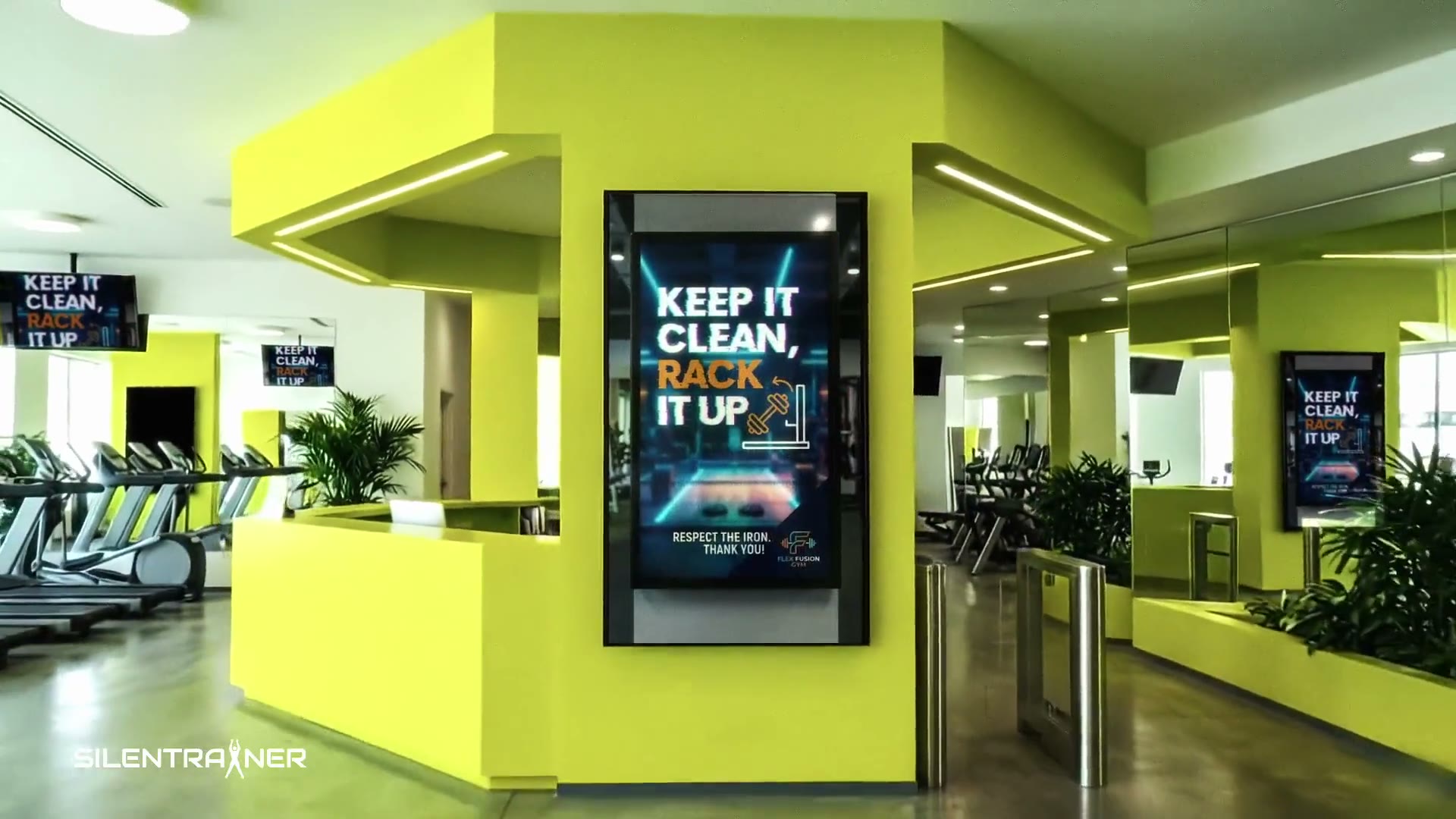
Reception and exercise areas can show different content. Upload your clinic’s files, assign playlists to screens and update them through your browser dashboard.
Questions from physiotherapy clinics
Can we use our own educational videos?
Yes. Upload videos and images made or approved by your practitioners and choose where they appear.
Does SILENTRAINER prescribe rehabilitation exercises?
No. SILENTRAINER is software for displaying content on screens. Your qualified practitioners select appropriate material and provide any individual clinical advice.
Can the waiting room and exercise area show different content?
Yes. Each screen can have its own playlist and schedule, so you can select content for the purpose of each room.
What equipment does the clinic need?
A compatible display with a suitable web browser and stable internet connection, or a supported external device. Contact us with your screen model to check compatibility.
Explore related spaces
Bring your clinic’s content onto its screens
Discuss your rooms, your displays and the information you want to share.