
For box owners & coaches
Digital signage for CrossFit boxes
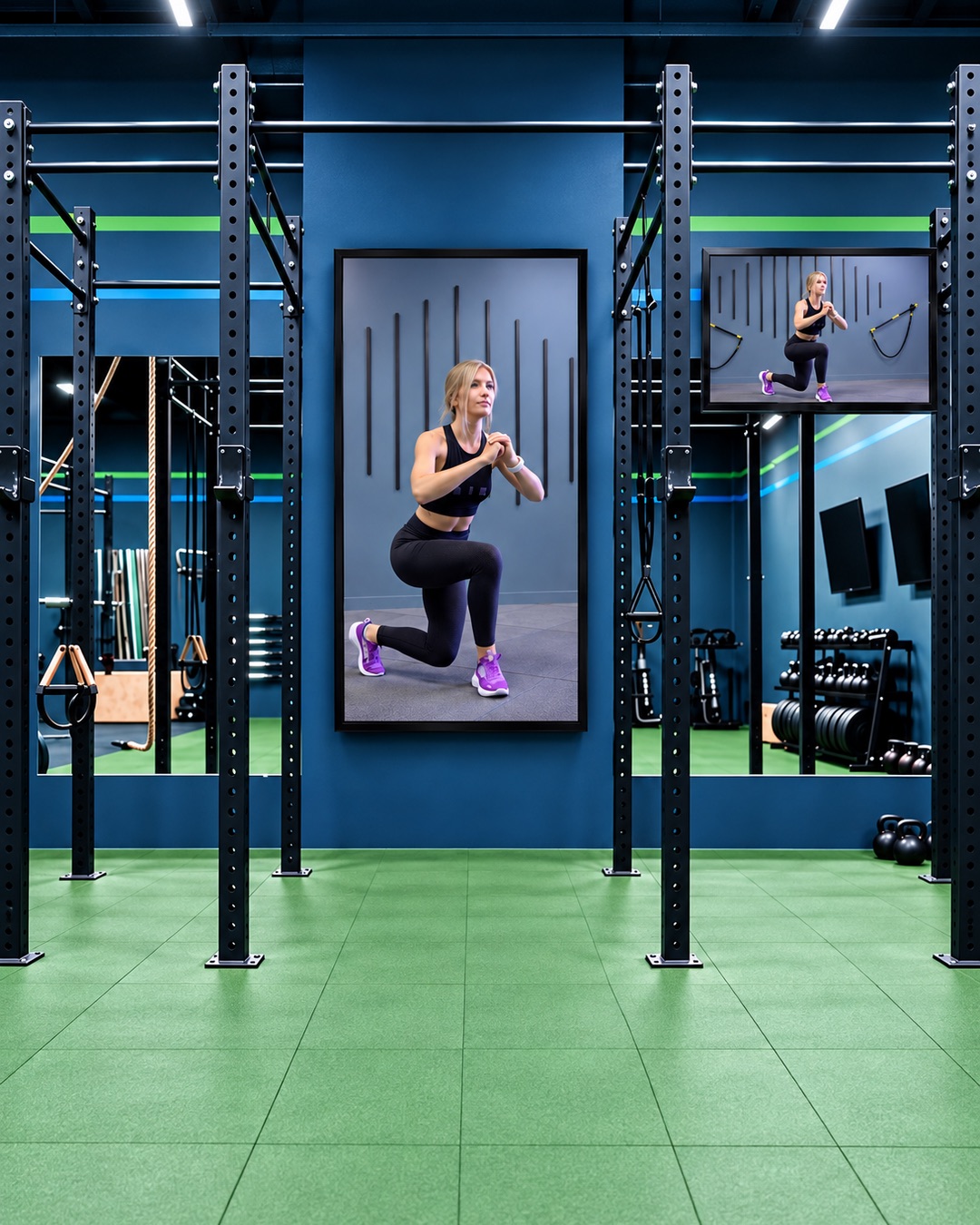
Bring your coaching content and community updates onto your box’s TVs. Display movement videos, workout graphics and event announcements in playlists you control.
Keep your coaching visible
Use your own demonstrations to show the movements your coaches teach. Upload a workout-of-the-day graphic alongside your videos, and choose which content appears on each screen.
Movement demonstrations
Loop your coaches’ lifting, gymnastics and mobility videos for members to reference alongside in-person coaching.
Workout information
Display a workout graphic prepared by your team, including the session plan and scaling options you want to share.
Your box community
Promote competitions, introductory sessions and social events, with partner promotions in the same playlist.
Plan content around your sessions
Assign playlists and schedules to individual TVs. A training-area screen can show demonstrations while reception displays upcoming events and membership information.
Questions from box owners
Can I display our workout of the day?
Yes. Create the workout graphic in your usual design tool, upload it as an image and add it to a screen’s playlist. Replace the image when your workout changes.
Can we use our own movement demonstration videos?
Yes. Upload videos recorded by your coaches and organise them into playlists for the relevant training areas or sessions.
Can we show local partner promotions?
Yes. Upload the partner’s images or videos and include them in your playlists. Your team manages the sponsorship agreement and content permissions.
Do I need a new screen?
You may be able to use your existing TV if it has a compatible browser and internet connection. A supported external device can help with some older TVs; contact us to check your model.
Explore related spaces
Your box. Your coaching. Your screens.
Bring your videos and workout graphics into one scheduled playlist.