
For property & residential amenity teams
Digital signage for apartment gyms
Use your apartment or residential gym’s TVs to share equipment information, amenity updates and community news. Manage your property’s own images and videos in scheduled playlists.
Useful information in a shared fitness room
Give residents a clear view of the gym’s practical details and your community’s upcoming activities. Choose content that fits your equipment, facilities and building.
Equipment & gym guidance
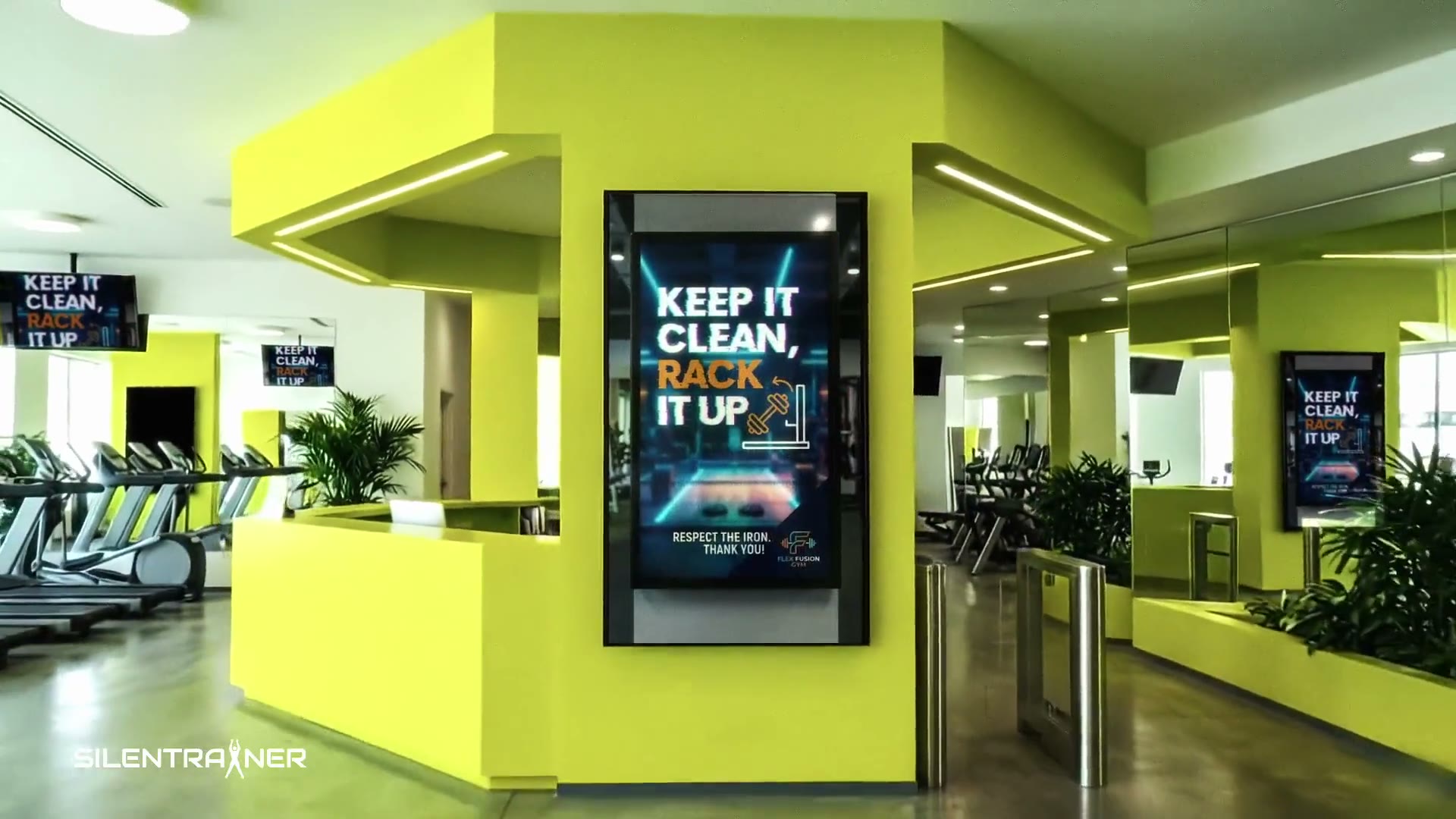
Display approved demonstration videos, fitness-room etiquette and reminders about looking after shared equipment.
Amenity information
Show opening hours, booking instructions and planned maintenance notices supplied by your property team.
Community updates
Promote resident events, fitness classes and activities taking place around the property.
Manage screen content from your desk
Upload your property’s graphics and videos, organise playlists and assign them to compatible screens. Update a notice or promotion through the browser dashboard when details change.
Questions from property managers
Do residents need a SILENTRAINER account?
No. Residents simply view the content on the shared gym screens. The property team manages the account and playlists.
Can we show notices as well as exercise content?
Yes. Combine your announcement images, facility information and approved demonstration videos in the same playlist.
Can we ask residents for feedback?
Yes. SILENTRAINER supports QR polls, so residents can scan a code displayed on screen and respond from their phones.
Can we use the TV already installed in the gym?
If the TV has a compatible browser and stable internet connection, it may be suitable. Some older models need a supported external device. Contact us to check your existing setup.
Explore related spaces
Connect your gym screens with your community
Start with your property’s information and a compatible TV.