
Features
Digital signage features for gyms & fitness studios
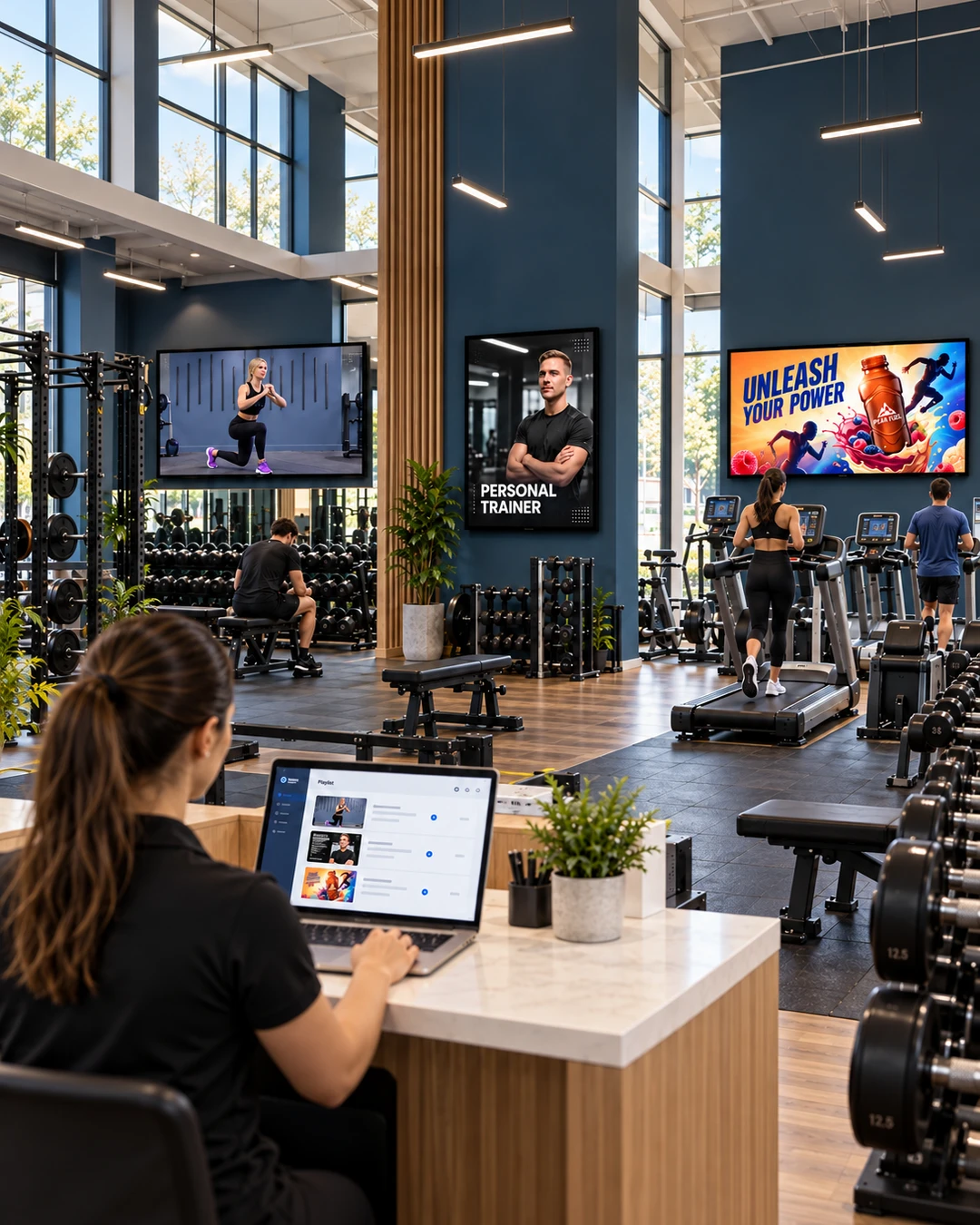
Run your gym’s screens from one browser dashboard: upload your content, build playlists, schedule them and manage every connected screen.
Explore the features
Each feature page explains what it does, how it works and where it helps.
Playlists & scheduling
Combine videos and images into playlists, assign them to screens and schedule them around your opening hours.
Playlists and scheduling →Screen management
Connect compatible TVs with a link and an 8-digit code, name each screen and manage them all from one dashboard.
Screen management →Media uploads
Upload your own videos and images, from coach demonstrations to timetable graphics, and use them in any playlist.
Media uploads →Instagram integration
Bring selected Instagram content onto your screens and give your trainers’ posts a bigger audience in the club.
Instagram integration →QR polls
Display a QR poll on screen. Members answer on their phones and you see the responses in your dashboard.
QR polls →Exercise video library
Choose from more than 200 professionally produced exercise videos and filter them by equipment and focus area.
Exercise video library →Partner & sponsor ads
Include adverts and promotions from local partners and sponsors in your playlists. You arrange the agreements.
Partner and sponsor ads →Exercise overlay
Exercise videos show the exercise name, the time left and the playlist’s progress, so members can follow along.
Exercise overlay →Start with the screens you have.
- 1
Connect your TV
Type the SILENTRAINER screen URL into your compatible TV’s browser. Enter the code shown on the TV in your account—and it’s connected.
- 2
Build your playlist
Choose ready-made exercise demonstrations or upload your own videos, trainer introductions, offers and announcements. Arrange them in the order you want.
- 3
Schedule and let it play
Choose and schedule playlists for each screen. Update them anytime—from your laptop, wherever you are.
Your content plays automatically. Members simply watch, learn and train—no interaction with the screen needed.
Built for your space
See how gyms, studios, hotels, residential buildings and clinics use these features.
See the features on your own screens
Start with one compatible TV and the content you already have.