
For reformer & mat Pilates studios
Digital signage for Pilates studios
Introduce your instructors, explain your classes and share your own demonstration videos. SILENTRAINER helps you organise content for reception and studio TVs from a browser dashboard.
Help clients get to know your studio
Use your screens to explain the difference between class formats, introduce the people who teach them and highlight opportunities for private instruction.
Reception information
Show instructor profiles, class descriptions and timetable images as clients arrive for their sessions.
Instructor-made demonstrations
Display videos selected by your teaching team to support equipment orientation and coached practice.
Private sessions & workshops
Promote one-to-one sessions, introductory courses, workshops and teacher-training dates in your playlists.
Keep your artwork and videos together
Upload the finished content your team creates, build playlists and assign them to individual screens. When a course date or timetable changes, update the relevant file and playlist.
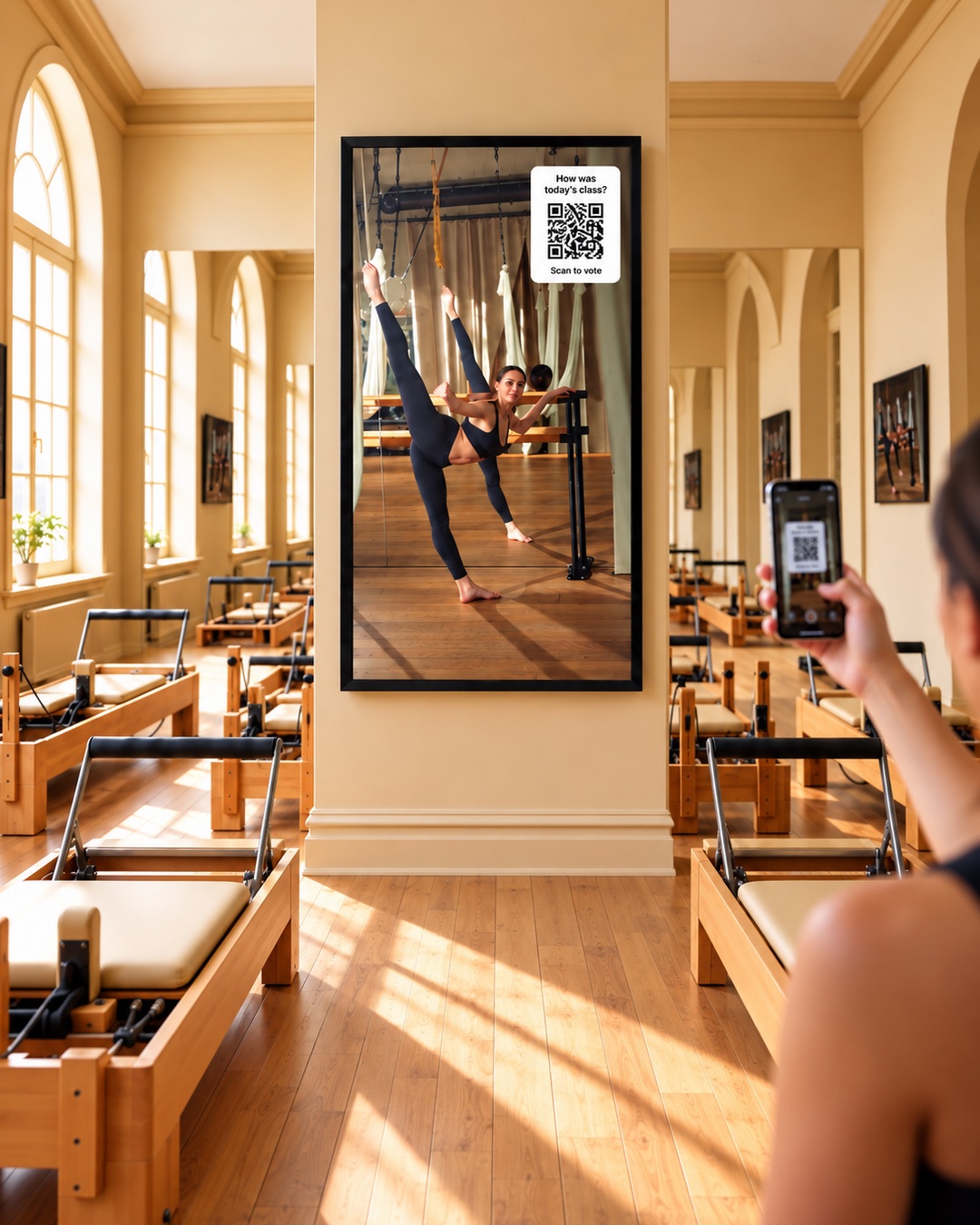
Questions from Pilates studios
Can we show our own reformer demonstration videos?
Yes. Upload videos made or approved by your instructors and include them in your studio playlists. Your teaching team decides how to use the content alongside instruction.
Can reception show different content from the studio?
Yes. Use separate playlists and schedules for each screen, such as class information at reception and instructor-selected demonstrations in the studio.
Can we promote private sessions?
Yes. Add branded images or videos explaining the sessions you offer and how clients can book through your usual channels.
Can we keep our existing branding?
Yes. Upload artwork and videos using your studio’s logo, fonts and colours. Your finished content determines what clients see.
Explore related spaces
Bring your studio’s expertise onto its screens
Start with your instructors, your artwork and your content.