
For gym owners & managers
Digital signage for gyms
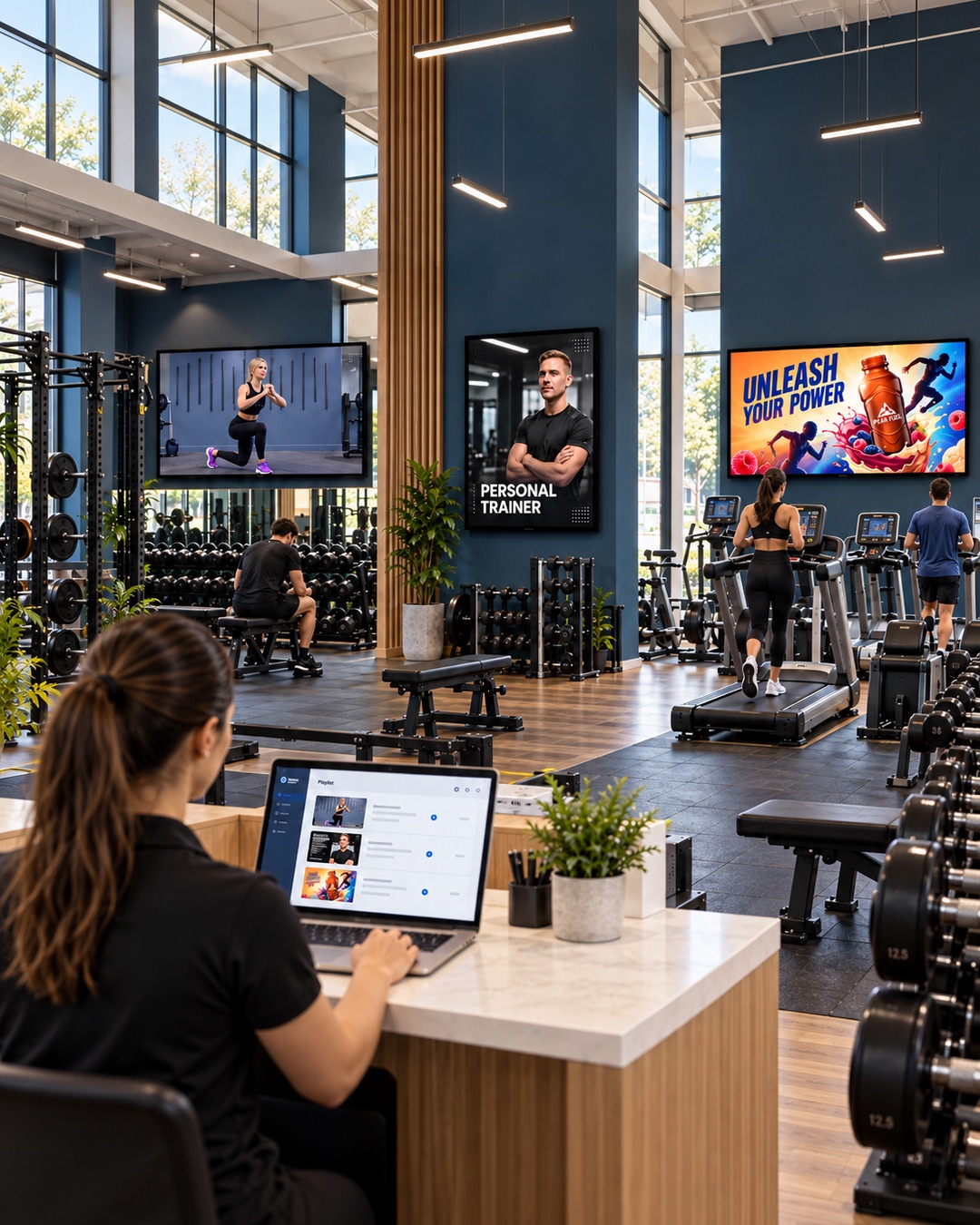
Make your gym TVs part of the member experience. Show your coaches’ exercise demonstrations, introduce personal trainers and share club updates with playlists you manage from a browser.
Gym TV content you control
Your reception screen and your training-floor screen have different jobs. Give each its own playlist of videos and images, then schedule the content around your opening hours and activities.
On the gym floor
Loop coach-made equipment demonstrations and exercise videos that support your team’s instructions.
At reception
Share timetable images, opening hours, new classes and trainer introductions as members arrive.
Across the club
Promote personal training, events and merchandise, or include content from your local sponsors.
Update gym screens from your browser
Upload videos and images, organise them into playlists and choose the screens where they should play. When an offer or timetable changes, replace the relevant content in your dashboard.
Want to see the setup steps? See how SILENTRAINER works.
Questions about gym digital signage
Can our coaches upload their own demonstration videos?
Yes. Add your own exercise and equipment videos to the content library, then use them in the playlists you assign to your gym TVs.
How do we update our timetable?
You can display a timetable as an uploaded image. When the timetable changes, upload the new version and update the relevant playlist.
Can our gym sell screen space to sponsors?
You can include sponsor images and videos alongside your other content. Your gym arranges the advertisers, rates and agreements; SILENTRAINER handles displaying the content.
Will SILENTRAINER work with our existing gym TVs?
It works with compatible browser-based screens and a stable internet connection. Older TVs may need a supported external device. Contact us with your TV models to check your setup.
Explore related spaces
Give your gym TVs a clear purpose
Start with your own content and a compatible screen.